PAN Card Lost – Here is Exactly What You Should Do Right Now
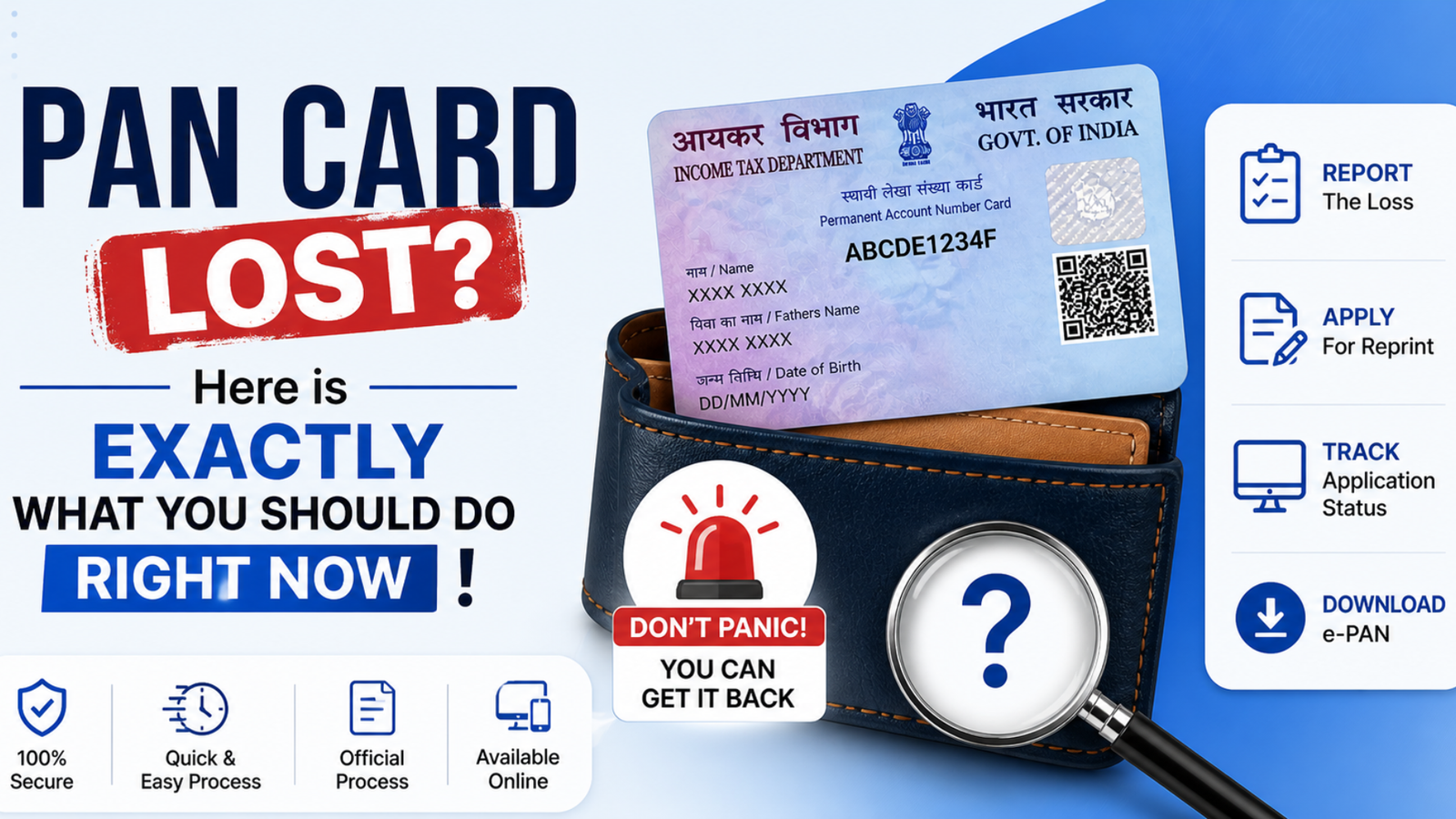
PAN Card Lost: Losing your PAN card is one of those situations that feels more stressful than it actually needs to be. It’s a critical document, yes, but the good news is that getting a replacement is simpler than most people expect, and you can do it entirely online from the comfort of your home.
Whether your card was stolen, damaged beyond use, or just quietly disappeared during a move, the Income Tax Department and Protean have made the duplicate PAN card process accessible, fast, and straightforward. Here’s everything you need to know to get yours back.
What is a Duplicate PAN Card?
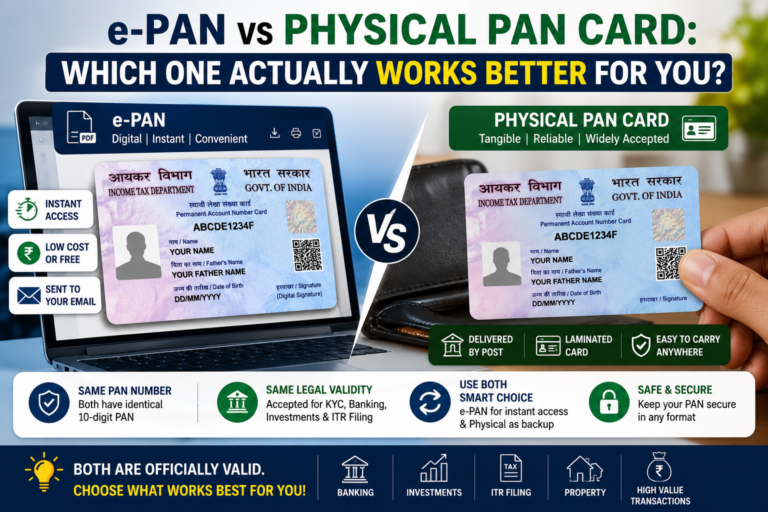
A duplicate PAN card is not a new PAN — it is a reissued copy of your original, carrying the same ten-digit alphanumeric number, issued by the Income Tax Department to any PAN holder whose card has been lost, misplaced, or damaged. Your tax identity stays exactly the same; only the physical or digital card is replaced.
The IT department has streamlined this process considerably, recognising the daily risks that important documents face. Whether you are an individual or part of a larger entity, the replacement procedure is clear, accessible, and does not require professional help to navigate.
What is a PAN Card and its Role?
The PAN card is the financial backbone of every individual and entity operating within India’s tax system. Issued by the Income Tax Department, this unique identifier ties together all financial activities — from opening a bank account to filing income tax returns.
Here is where a PAN card is essential
It forms a direct connection between a person’s financial activities and their tax situation, allowing the Income Tax Department to maintain accurate records, identify irregularities, and prevent tax evasion. For both individuals and entities, it is a genuinely indispensable document.
What are the Reasons for Losing a PAN Card?
PAN card loss happens more often than people expect, and rarely for dramatic reasons. Here are the most common causes:
| Reason | What Happens |
|---|---|
| Accidental misplacement | Gets buried under documents or forgotten during relocation |
| Theft or robbery | Thieves target wallets or bags carrying personal credentials |
| Damage / wear and tear | Frequent handling makes the card unreadable over time |
| Relocation or travel | Card gets left behind in the rush of packing and moving |
| Forgetfulness | People forget where they last used or kept it |
| Mishandling by others | Family members or friends unintentionally misplace it |
| Switching wallets or purses | Card slips out unnoticed during the changeover |
Each of these situations is common and understandable — and each leads to the same straightforward solution: apply for a duplicate and carry on.
When to Apply for a Duplicate PAN Card?
You should apply for a duplicate PAN card in any of the following situations:
| Applicant Type | Requirement |
|---|---|
| Individual taxpayers | Can apply directly |
| HUFs, firms, companies, associations | Must have an authorised signatory to apply |
Lost PAN Card: What to Do Next?
The moment you realise your PAN card is lost or stolen, take these steps immediately:
Taking prompt action protects your financial interests and sets the replacement process in motion without delay.
How to Apply for a Duplicate PAN Card Online?
Applying online through the Protean website is the fastest and most convenient route. Here is the step-by-step process:
Also Know About
How to Apply for the Duplicate e-PAN Card?
If you prefer the TIN-NSDL route, the process is equally simple — and you can choose between online and offline:
Online Steps:
Offline Steps:
How to Download a Duplicate PAN Card Using Your Aadhaar Number?
If you have your Aadhaar number available, the Income Tax Department website offers a quick, paperless path:
How to Apply for a Duplicate PAN Card Without Changes?
If you originally got your PAN through the Protean website or the Income Tax e-filing portal’s Instant e-PAN facility, you can request a reprint without uploading any documents or changing any details.
How to Surrender a Duplicate PAN Card?
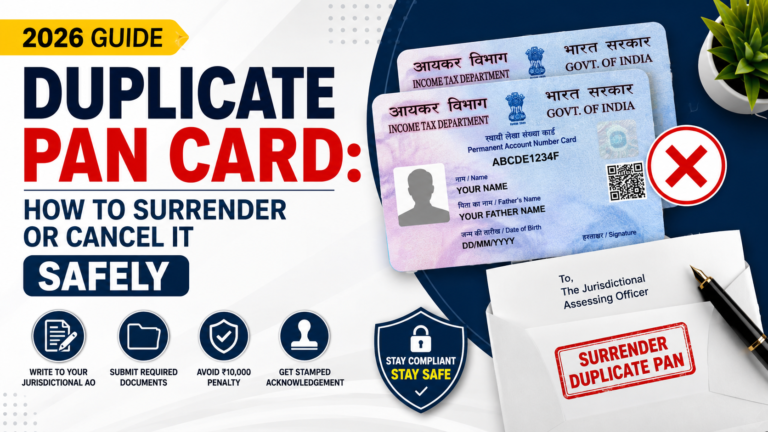
If you find yourself holding two PAN cards — perhaps the original turned up after a duplicate was issued — surrendering one is legally required. Holding multiple PAN cards can lead to serious legal complications and financial penalties.
Online Process:
Offline Process:
Documents Required for a Duplicate PAN Card
| Document Type | Accepted Options (Pick One) |
|---|---|
| Proof of Identity (self-attested) | Aadhaar card, Voter ID, Passport, Driving License |
| Proof of Address (self-attested) | Aadhaar card, Passport, Driving License, Electricity bill, Bank statements |
| Proof of Date of Birth (self-attested) | Birth certificate, School leaving certificate, Passport, Aadhaar card (if DoB mentioned) |
| Proof of existing PAN | Self-attested copy of previously issued PAN card or PAN allotment letter |
| In case of loss or theft | FIR copy (mandatory) |
Note: All document copies must be self-attested without exception.
How to Apply for a PAN Card Online (New Application)?
If you need to apply for a fresh PAN not just a reprint — the process through the Protean website is as follows:
Checking Duplicate PAN Card Application Status
There are two ways to check the status of your application:
| Method | How to Use |
|---|---|
| Acknowledgement number (online) | Visit the NSDL status tracking page and enter your 15-digit acknowledgement number |
| SMS tracking | Send PAN [space] Acknowledgement Number to 57575 |
| Contact NSDL directly | Call or visit the NSDL facilitation centre where you submitted your application |
Fees for Duplicate PAN Card
| Application Type | Physical PAN (India) | Physical PAN (Abroad) | e-PAN (Email) |
|---|---|---|---|
| Traditional (Physical or Online) | Rs. 107 | Rs. 1,017 | Rs. 72 |
| Paperless Online Application | Rs. 101 | Rs. 1,011 | Rs. 66 |
| Protean Website Application | Rs. 50 | Rs. 959 | — |
The Protean website route offers the most economical fee for domestic applicants at just Rs. 50 for a physical PAN card.
Guidelines for PAN Card Reprint Through Separate Link
The dedicated Protean reprint link is specifically for replacing a lost or damaged card — no changes to existing details are allowed through this route. A few things to keep in mind:
What are the Things to Keep in Mind While Applying for a PAN Card?
What is the Importance of Updating Addresses and Other Details?
Keeping your PAN card information accurate and current is not just good practice — it directly affects how smoothly every related process works.
| Reason to Update | What Happens if You Don’t |
|---|---|
| Delivery of duplicate PAN card | Card may arrive at the wrong address or not at all |
| Communication from Income Tax Department | You may miss vital notices, updates, or changes in tax laws |
| Filing income tax returns | Inaccurate information causes friction and delays |
| Preventing misuse | Outdated details create gaps that unauthorised parties can exploit |
| Compliance with tax regulations | Inaccurate records lead to non-compliance issues |
| Faster financial processing | Correct details speed up procedures across financial activities |
Tax Compliance and Income Tax Returns
The PAN card’s role in tax compliance is central to how India’s financial system functions. It enables the government to:
Filing income tax returns without a PAN card is not possible — it is a required document at every stage. Beyond filing, the PAN card ensures that every financial transaction is accountable, creating a traceable link between what you earn, what you spend, and what you owe.
Linking Financial Transactions
Every major financial transaction in India is tied to the PAN card. It acts as the connecting thread between an individual’s financial activities and their tax situation, allowing the Income Tax Department to:
Losing this identifier, even temporarily, can disrupt that chain and create complications well beyond a simple inconvenience. Getting it replaced promptly is always the right call.
FAQs
Conclusion
Losing your PAN card feels stressful in the moment, but the replacement process is genuinely simple once you know the steps. Whether you choose the online route through Protean or walk into an NSDL centre offline, a duplicate PAN card can be in your hands within two weeks. Report the loss promptly, keep your documents ready, and track your application using the 15-digit acknowledgement number — and you will be back on track financially without any major disruption.