Instant e-PAN via Aadhaar: A Fast, Paperless Way to Get Your PAN
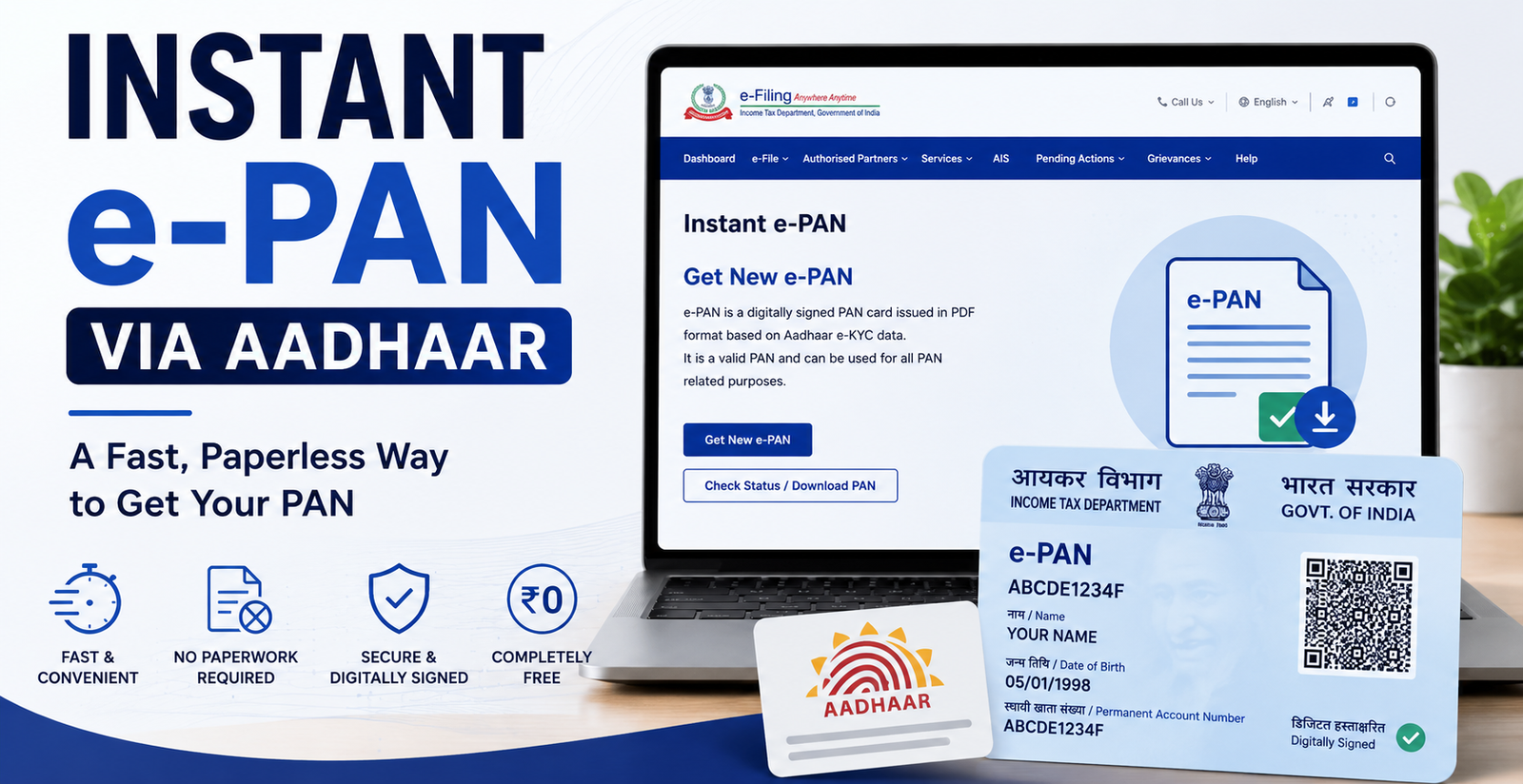
Instant e-PAN via Aadhaar. If you’ve never had a PAN before and already have a valid Aadhaar card, you don’t need to fill out any form, upload separate documents, or wait weeks for a card to arrive. The Income Tax Department’s Instant e-PAN facility can issue a fully valid, digitally signed PAN online, without paperwork though the exact time it takes can vary from one application to another.
Visit the Income Tax e-Filing portal, click “Instant e-PAN” → “Get New e-PAN,” enter your Aadhaar number, verify with OTP, and your e-PAN request is processed online. Processing time may vary depending on the application, but it is free, requires no separate document upload, and the resulting e-PAN is generally accepted for PAN-related purposes immediately after issuance.
What Is Instant e-PAN?
Instant e-PAN is a free, paperless PAN issuance service run directly by the Income Tax Department, using your existing Aadhaar e-KYC data instead of a fresh application form with physical documents. Since your identity, date of birth, and address are already verified through Aadhaar, the department can process and allot your PAN using that existing data without a separate document upload.
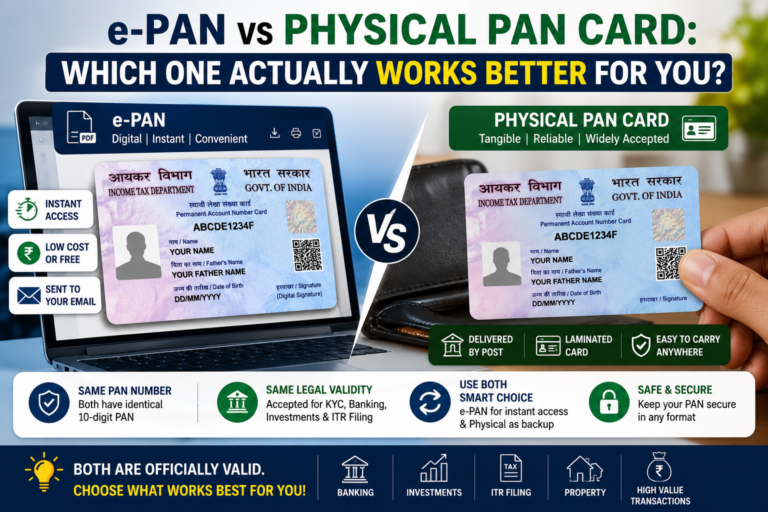
The e-PAN you receive is a digitally signed PDF with a QR code. According to the Income Tax Department, it is a valid form of PAN.
Who Is Actually Eligible?
The eligibility criteria are specific, and missing even one of them means your application will not go through. According to the Income Tax Department, you can use Instant e-PAN only if all of the following are true:
- You have not already been allotted a PAN
- You hold a valid Aadhaar with updated KYC details
- Your mobile number is linked to your Aadhaar (an OTP is sent to this number)
- You are not a minor as on the date of the request
- You are not covered under the definition of “Representative Assessee” under Section 160 of the Income Tax Act
If you already have a PAN (even an old, inactive, or forgotten one), this service cannot be used instead, use the “Know Your PAN” facility to retrieve it, since applying for a fresh one would create a duplicate PAN, which is not permitted under the Income Tax Act.
Step-by-Step: How to Request Your Instant e-PAN
- Go to the official Income Tax Department e-Filing portal.
- Under Quick Links, click “Instant e-PAN.”
- Click “Get New e-PAN” to start a fresh application.
- Enter your 12-digit Aadhaar number and tick the declaration checkbox.
- Click Continue your Aadhaar-linked mobile number will receive an OTP.
- Enter the 6-digit OTP (valid for 15 minutes, with up to 3 attempts) and click Continue.
- Your Aadhaar details name, date of birth, gender, address, and photo will be displayed automatically for your confirmation.
- Review the details carefully, confirm, and submit.
- You’ll be taken to a status page showing your e-PAN request status.
- Once your PAN has been allotted, click “View e-PAN” or “Download e-PAN” to save your PDF.
How Long Does It Actually Take?
Processing time may vary depending on the application some users report their e-PAN being ready within minutes, while others may experience a longer wait depending on system load and whether their Aadhaar details need any further verification. Rather than assuming a fixed time, check your application status directly on the portal for the most accurate picture of where things stand.
Opening Your e-PAN File
The downloaded PDF is password-protected. Enter your date of birth in DDMMYYYY format (no slashes or spaces) to open it. For example, if you were born on 5 January 1998, the password is 05011998.
How to Check Your Application Status Separately
If you closed the browser or want to check back later:
- Go to the Income Tax e-Filing portal and click “Instant e-PAN.”
- Select “Check Status / Download PAN.”
- Enter your Aadhaar number and click Continue.
- Verify with the OTP sent to your Aadhaar-linked mobile number.
- Your current status will display this can be done both before and after logging into the e-Filing portal.
Why Your Application Might Not Go Through Smoothly
- Aadhaar and demographic details that don’t match exactly may cause processing issues, since the service relies entirely on your existing Aadhaar record if you’ve recently updated your name, address, or other details, make sure your Aadhaar reflects this before applying.
- Mobile number not linked to Aadhaar, or no longer active an OTP cannot be delivered without this.
- KYC not fully updated on Aadhaar it may be worth confirming this with UIDAI before applying.
- A PAN already exists linked to your Aadhaar, which means you’re not eligible for a fresh Instant e-PAN request.
- Applying on someone else’s behalf since Representative Assessees are excluded, this route is not intended for a parent applying for a minor; a separate minor PAN application process applies instead.
If your request doesn’t proceed as expected, the status page on the portal is the most reliable place to check the specific reason, rather than repeatedly resubmitting the same details.
Is Instant e-PAN Really Free?
Yes. According to the Income Tax Department, the Instant e-PAN service is free of cost. [Source: Income Tax Department Instant e-PAN FAQ]
Instant e-PAN vs the Traditional PAN Application
| Instant e-PAN (Aadhaar) | Traditional Application (NSDL/UTIITSL) | |
|---|---|---|
| Cost | Free | Fee applies (varies by format and address) |
| Documents needed | No separate document upload required uses existing Aadhaar e-KYC data | Identity, address, and DOB proof required |
| Format issued | e-PAN (digital) only | e-PAN, physical card, or both, depending on your selection |
| Who it’s designed for | Individuals with no existing PAN, valid Aadhaar, and a linked mobile number | A broader range of applicant categories, including entities, foreign nationals, and minors though each category has its own specific eligibility and document requirements |
| Representative Assessee applications | Not eligible | Supported |
If you don’t meet the Instant e-PAN eligibility criteria for example, you’re applying for a minor, an entity, or as a foreign national the traditional route through NSDL or UTIITSL, with the applicable category-specific process, is the appropriate path instead.
Can You Get a Physical Card Later?
Many people who receive an Instant e-PAN later choose to obtain a physical card as well. This is generally handled through NSDL (Protean) or UTIITSL using your existing PAN details, without needing a new PAN number. Since exact steps, fees, and processing times for this service are periodically updated, confirm the current process directly on the Protean (NSDL) or UTIITSL website before applying.
How Valid Is the Instant e-PAN?
The Income Tax Department describes the Instant e-PAN as a valid form of PAN, digitally signed and issued with a QR code for verification. It is generally accepted for PAN-related purposes such as tax filing and KYC-based processes. That said, individual banks, financial institutions, or other bodies may have their own specific document requirements or verification steps, so it’s worth confirming acceptance directly with the institution if you’re using it for a particular high-value transaction.
Some people choose to print their e-PAN for convenience, though this is optional the digital file itself is what carries the department’s digital signature and QR code.
What to Do After Getting Your Instant e-PAN
- Save the PDF securely ideally in more than one place (device storage plus a cloud backup), since you’ll likely need it repeatedly.
- Register on the e-Filing portal using your new PAN, if you plan to file returns or track future communications from the department.
- Update your PAN details with banks or financial institutions where required, since many will ask you to record your PAN for KYC purposes.
- Confirm your Aadhaar-PAN link status on the e-Filing portal, since this is worth checking directly rather than assuming it automatically reflects correctly.
FAQs
How long does Instant e-PAN take? Processing time may vary depending on the application. Check your status directly on the e-Filing portal for the most accurate, up-to-date picture rather than relying on a fixed estimate.
Can I use this facility if I already have a PAN but lost it? No. According to the Income Tax Department, this service is only for individuals who have not already been allotted a PAN. If you’ve lost your existing PAN card, use the reprint or e-PAN download service instead.
Do I need to upload any documents? No separate document upload is required the process uses your existing Aadhaar e-KYC data.
Is there really no fee at all? According to the Income Tax Department, Instant e-PAN is free of cost.
Can a parent use Instant e-PAN to get a PAN for their child? No. Representative Assessees are excluded from this facility, so parents applying on behalf of a minor need to use the separate minor PAN application process instead.
What if my Aadhaar details are outdated? It’s worth updating your Aadhaar KYC details with UIDAI first, since Instant e-PAN relies on your existing Aadhaar record, and mismatched or outdated details may cause processing issues.
Can foreign nationals or entities use Instant e-PAN? No. This facility is for individual Aadhaar holders. Foreign nationals, companies, LLPs, trusts, and other entities need to use the traditional PAN application process for their applicant category.
Will I still need a physical PAN card eventually? Not necessarily. The e-PAN is generally accepted for PAN-related purposes. Only pursue a physical card separately if a specific institution asks for a hard copy.
Conclusion
For many first-time applicants who already have Aadhaar, Instant e-PAN offers a simpler, paperless, and cost-free way to get a PAN, without needing to submit separate documents. Processing time can vary, so check your application status directly on the portal rather than expecting a fixed turnaround. Just make sure you meet all five eligibility conditions before starting, since a mismatch on any one of them is a common reason applications don’t proceed smoothly.